In this exercise, we will simplify our JSP files using Java Beans and the JSP Standard Tag Library.
There is a lot to learn in this exercise and this is quite challenging. However, the end result looks simple -- all the complexity gets hidden.
Java Beans
A Java Bean is a Java class that follows a number of conventions:
- There is a default no-argument constructor (you can declare the no argument constructor or, if you have no constructors, then a default no-argument constructor is automatically created for you).
- Any properties are implemented using get and set methods (e.g., a "title" property would be implemented as a pair of methods String getTitle() and void setTitle(String))
- The class implements Serializable
You will notice that the Task and TaskList classes that we created follow these conventions:
- Task has properties named "title", "notes" and "taskList"
- TaskList has only one read-only property called "tasks" (it is read-only because it has a getTasks() method but no setTasks(...))
Using Beans in JSP
JSP can automatically create and manipulate Beans without needing to use Java code.
Previously, you might have written code such as the following:
<%
  TaskList taskList = (TaskList)session.getAttribute("taskList");
  if (null == taskList) {
      taskList = new TaskList();
      session.setAttribute("taskList", taskList);
  }
%>
In JSP, such code can be replaced by the following:
<jsp:useBean id="taskList" class="au.edu.uts.aip.todo.TaskList" scope="session"/>
This tag tells JSP to retrieve taskList from the session. It will create a new instance of the bean if one does not already exist.
There are several possible scopes you can use with jsp:useBean:
- page (a new bean will be created in each JSP page involved in a single request)
- request (a new bean will be created in each request)
- session (a new bean will be created for each new session but reused across pages)
- application (a new bean will only be created once across the entire application and reused across all sessions and pages)
For more information about the jsp:useBean tag and meaning of each of these scopes, click here.
After using the jsp:useBean tag, the bean can be accessed in two ways:
- In a scriptlet on the page (e.g.,
<%= taskList.getTasks().size() %>)
- As an attribute of the appropriate scope object (e.g.,
session.getAttribute("taskList")).
JSP can also automatically set a property of a Bean using parameters passed in from a form:
<jsp:useBean id="task" class="Task" scope="request"/>
<jsp:setProperty name="task" property="title" param="title"/>
The <jsp:setProperty name="task" property="title" param="title"/> tag is equivalent to the following Java code:
<%
  String param = request.getParameter("title");
  task.setTitle(param);
%>
Note that property="title" in the form submission is automatically translated into a setTitle(...) method call for you.
Expression Language
Expression language (EL) is a convenient way to access attributes of a page. It can be used as a replacement for JSP expressions.
Here are some simple JSP expressions and their EL equivalent:
<%= 3 + 2 %> becomes ${3 + 2}<%= session.getAttribute("taskList") %> becomes ${sessionScope.taskList} or just ${taskList}<%= ((TaskList)session.getAttribute("taskList")).getTasks() %> becomes ${taskList.tasks}<%= request.getParameter("title") %> becomes ${param.title}
Note that we can also use Expression Language elsewhere in JSP. For example,
<jsp:setProperty name="task" property="title" param="title"/>
is equivalent to:
<jsp:setProperty name="task" property="title" value="${param.title}"/>
(The difference is that the first one uses the param named title, but the second one uses the value of ${param.title}: they're just two different ways of saying the same thing)
Converting add.jsp to use Beans
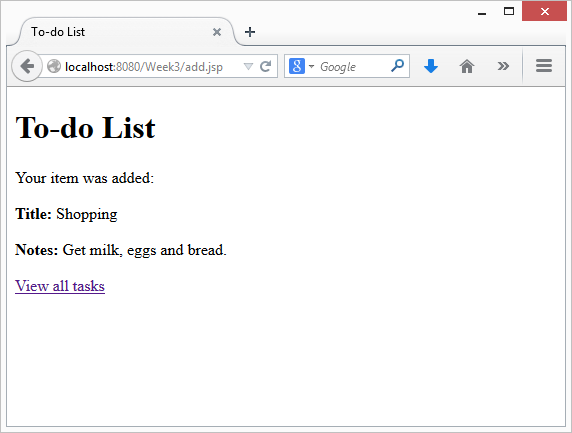
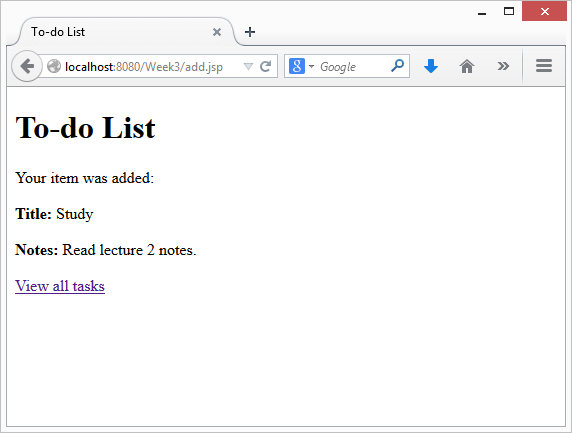
You now have enough information to modify add.jsp:
-
Declare two beans with jsp:useBean:
- a TaskList in the session scope
- a Task in the request scope
-
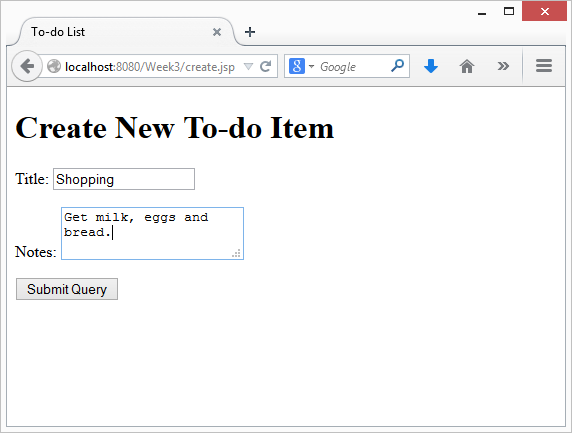
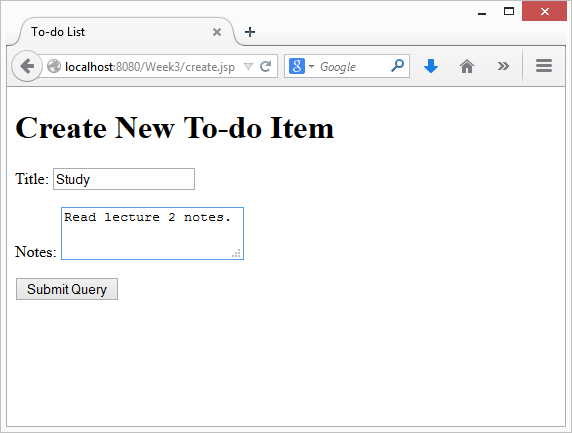
Set the title and notes attributes of the task, based on the form parameters (that come from create.jsp).
-
Use jsp:setProperty to set the taskList attribute of the task (i.e., use jsp:setProperty to call task.setTaskList(...)).
-
You can use Expression Language to pass in the TaskList from the session scope:
e.g., <jsp:setProperty name="??????" property="taskList" value="${sessionScope.??????}"/>
(replace the question marks, as appropriate).
-
Replace any JSP expressions (<%= %>) with the equivalent in Expression Language.
Test your modified add.jsp and make sure that it works.
JSP Standard Tag Library
The JSP Standard Tag Library is a collection of tags that perform common tasks in JSP: iteration, branching, formatting.
For example, instead of JSP code such as the following...
<%
    for (Task task : taskList.getTasks()) {
%>
       <p>html goes here</p>
<%
    }
%>
...we can use a JSTL tag such as the following...
<c:forEach var="task" items="${taskList.tasks}">
    <p>html goes here</p>
    <p>you can also use Expression Language here to refer to ${task}</p>
</c:forEach>
To use the JSTL, you first need to import the tag library. You do this by adding the following directive to the top of a JSP page:
<%@taglib prefix="c" uri="http://java.sun.com/jsp/jstl/core" %>
Some of the tags provided by the JSTL are as follows:
<c:forEach> works like a "for" statement in Java<c:if> and <c:choose> work like an "if" statement in Java<c:url> encodes a URL (i.e., response.encodeURL(...))<c:out> outputs a value, performing any escaping that may be required
To see a more comprehensive list, click here.
Converting list.jsp to use Beans and the JSTL
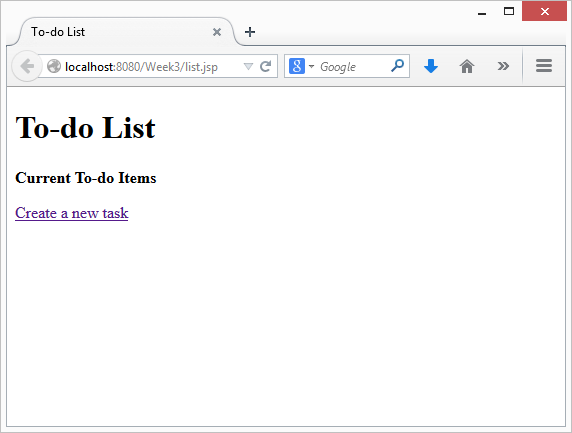
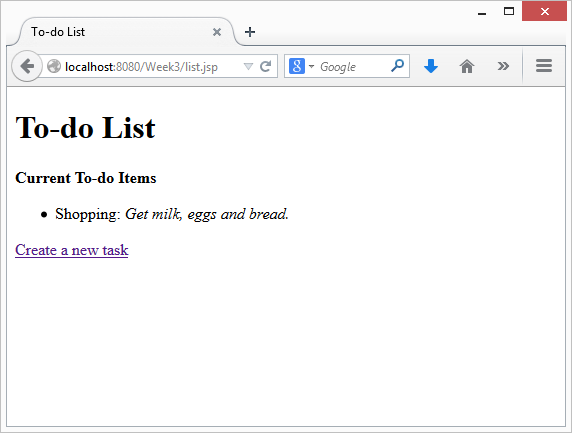
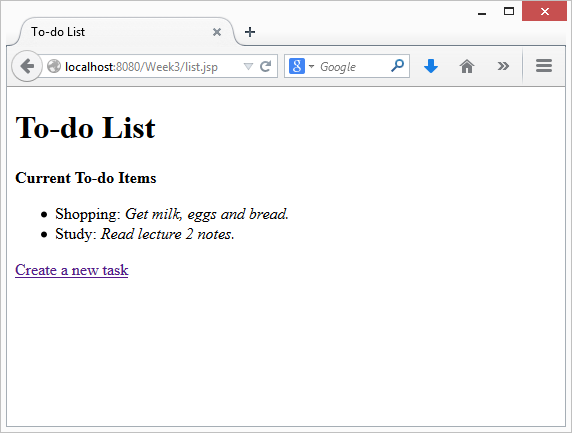
You now have enough information to modify list.jsp:
- Declare a TaskList in the session scope with jsp:useBean
- Iterate through the TaskList using a tag from the JSTL
- Replace any JSP expressions (
<%= .... %>) with the equivalent Expression Language expression
Conclusion
At this stage, you should check to make sure that you have no more Java code in any of your JSP files.
Reflect
Are your JSP files simpler?
Do you think this code easier to manage and verify?
What happens if you use HTML inside your form submission? Why?
e.g., Create a task with the title "Test" and notes "<script>alert('Hi');</script>".
Does your JSP code work with cookies disabled?
Escaping Text and Encoding URLs
Instead of using ${task.title}, you can use the <c:out> JSTL tag to properly escape any special characters.
Try replacing code such as ${task.title} with <c:out value="${task.title}"/>.
What happens now if you enter HTML inside your form submission?
You can also use the <c:url> tag to create links within the same website that will work with cookies disabled (the created link gets saved for expression language):
<c:url var="somepageEscaped" value="somepage.jsp"/>
<a href="${somepageEscaped}">This is a hyperlink</a>
Test your application with cookies disabled in the browser.